THINK IT THROUGH
A little
strategy.
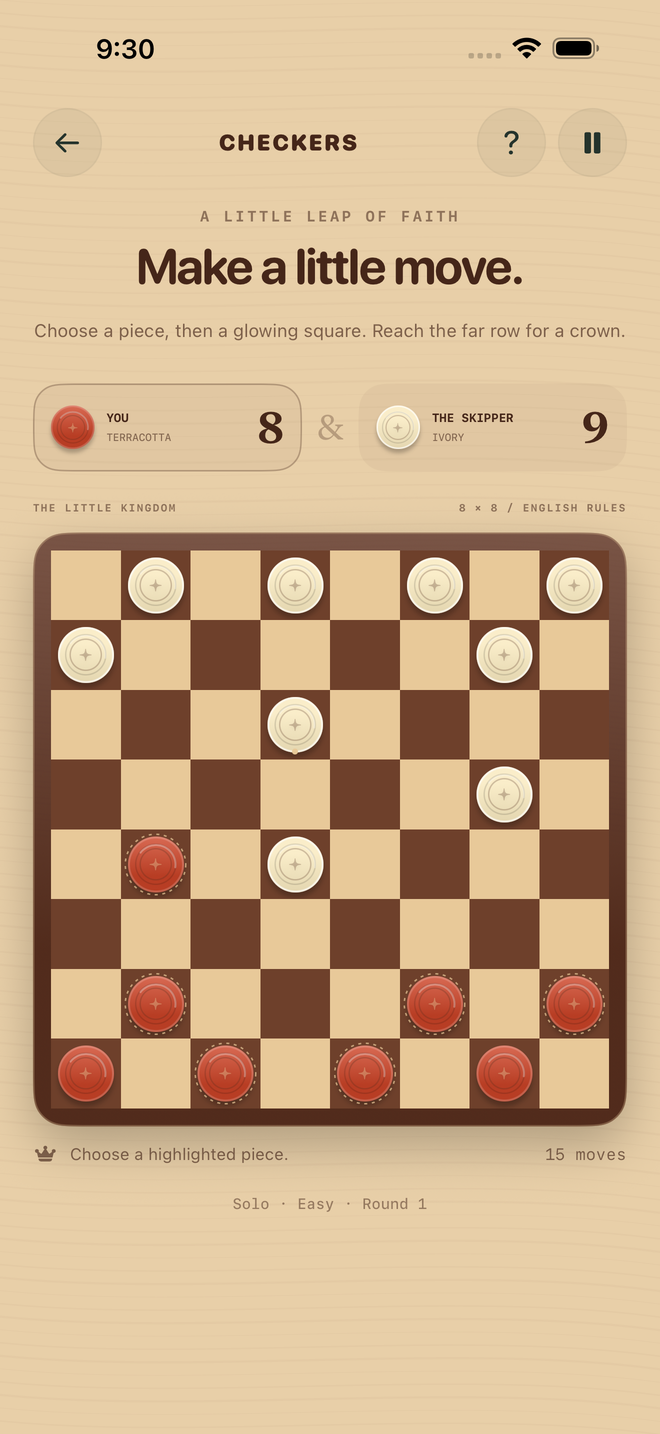
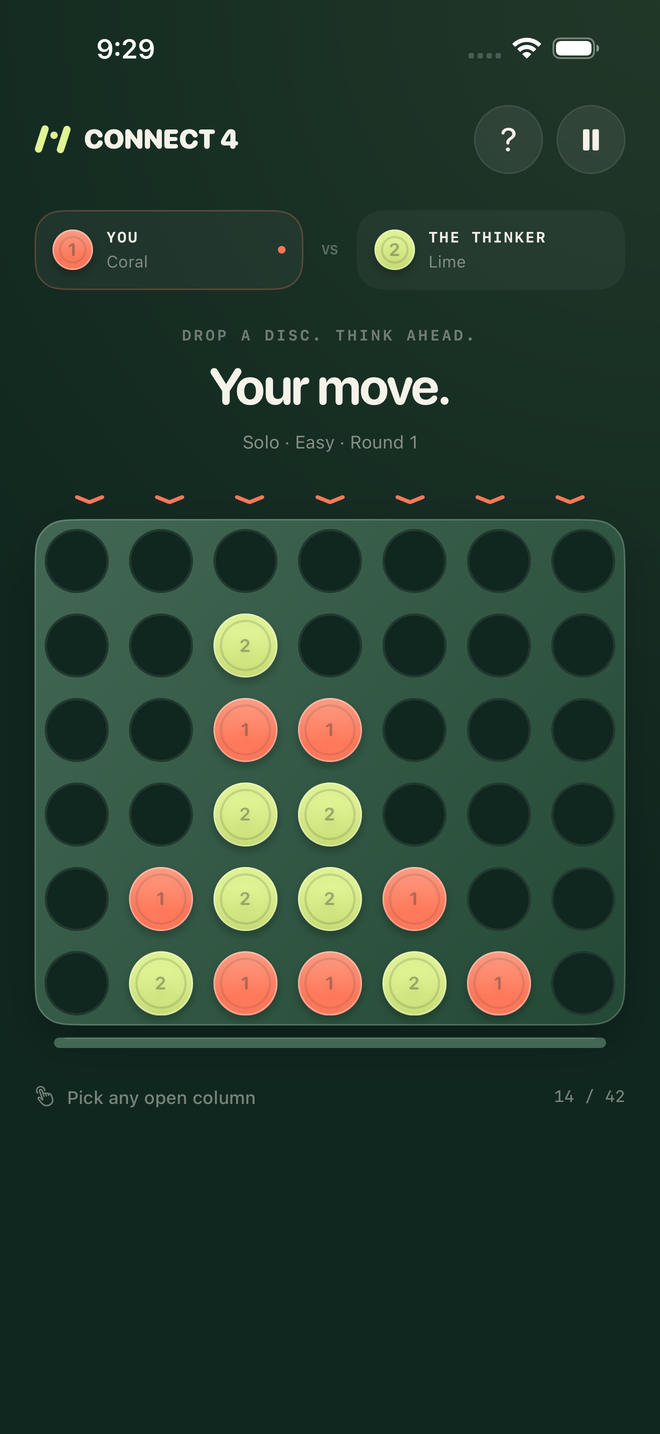
Board games and word hunts. Clever moves, quiet plans, and the joy of spotting something first.
 hopscotch
A little help
OFFLINE. IN GOOD COMPANY.
A pocketful of games for whatever the moment calls for. Settle into a board game, chase a word, take a little race. Play solo or bring someone nearby. Zero internet needed.
THE LITTLE ARCADE
Familiar boards. Fresh little challenges.
Find your favorite way to play.
THINK IT THROUGH
Board games and word hunts. Clever moves, quiet plans, and the joy of spotting something first.
HAVE ANOTHER GO
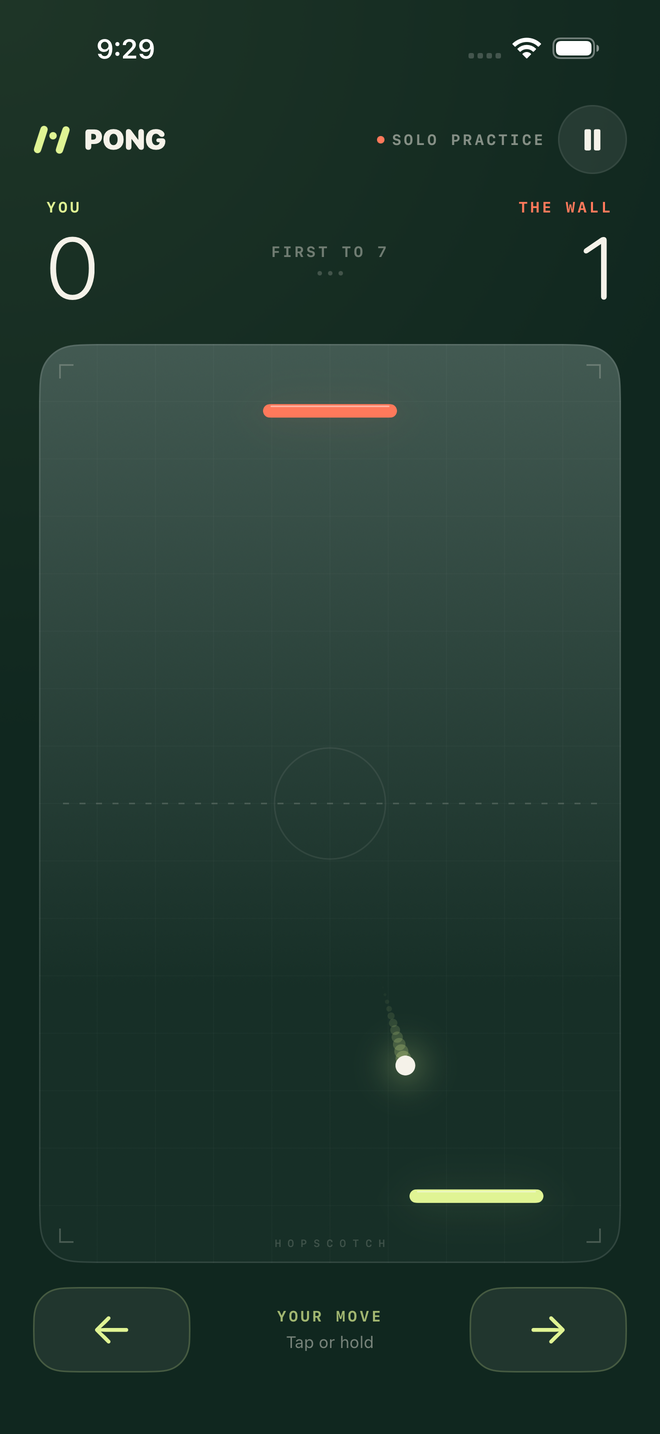
Quick rallies, putting greens and coastal races. Find your angle, follow the rhythm, and try one more round.
MAKE ROOM FOR PLAY
Challenge a nearby partner or pick a game for the whole room. Switch things up whenever the mood changes.
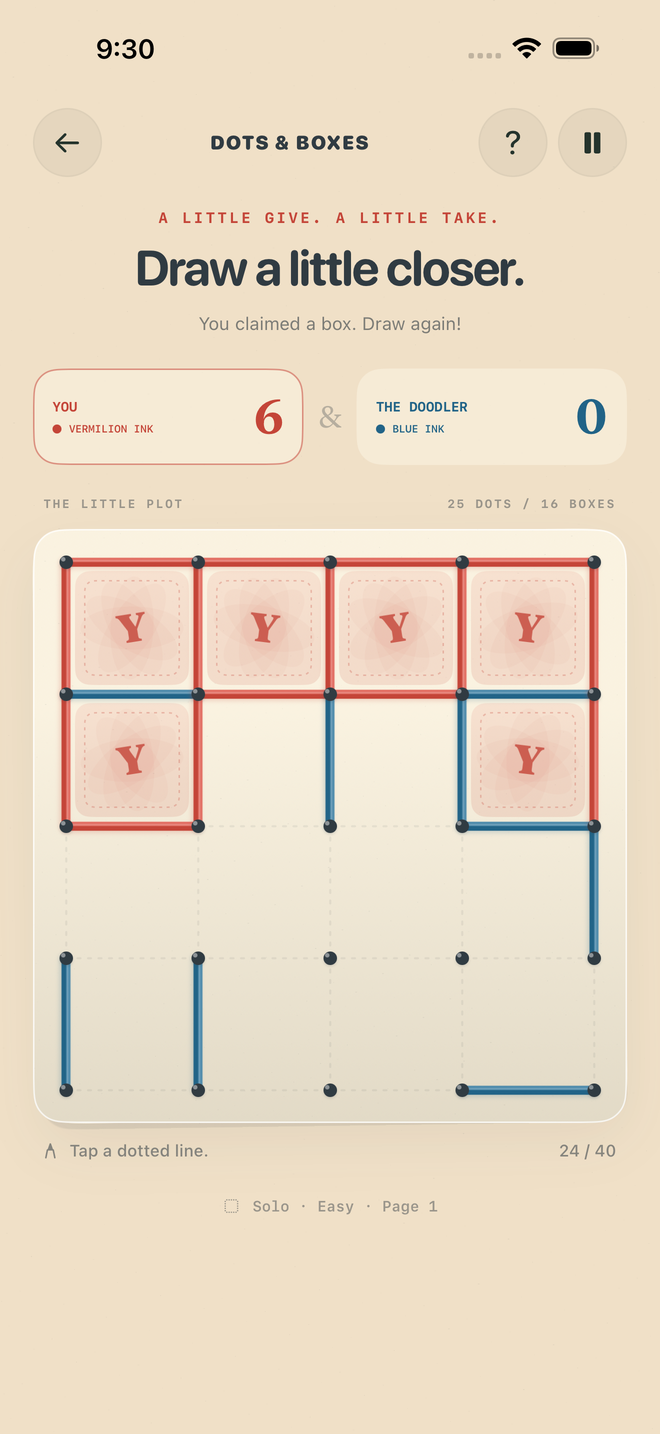
Pick something familiar or find a new favorite. Every game has solo play; each card shows how many can join nearby. Return to the arcade whenever you feel like trying something else.
SAME PLACE. YOUR OWN SCREENS.
On the sofa. At the kitchen table. Somewhere with terrible reception. Nearby play connects your devices directly, without a game server or an internet connection.
Nobody around? Play solo against the computer at your choice of Easy, Lively, or Spicy.
Open Find a nearby player on everyone’s device. Each person needs their own iPhone or iPad; your selected game cards can be different.
Keep Wi-Fi and Bluetooth on. Allow Local Network access, invite a friend, and tap Join session. The host can then invite more, up to four people.
Choose a group game for everyone, or pick a partner for a two-player match while the rest stay at the arcade. Each game card shows its player count. Return to the cards to switch games without reconnecting. Keep every app open.
THE LITTLE THINGS ARE THE WHOLE THING
Open the rules for a quick start. Choose your solo difficulty, make the player name yours, and set sound and haptics to suit you.
Original gameplay sounds, quiet menu buttons and tactile taps on supported iPhones. Turn either off whenever you like.
No ads, trackers, accounts, or subscriptions. Your preferences stay on your device.
A LITTLE HELP
Hopscotch is coming soon. Here are a few things to know before your first round.
Contact MafuaNo. Solo play works offline, and nearby multiplayer connects devices directly. Leave Wi-Fi and Bluetooth enabled, even if you aren't connected to a Wi-Fi network. Allow Local Network access when you open Nearby.
Yes. Swipe to any game and tap Play solo. You can choose Easy, Lively, or Spicy in Preferences. Nearby rooms hold two to four people, each on their own device. Some games include the whole room; others take a pair. Check the player count on each game card. There isn’t a shared-screen mode.
Install the current build on both devices, tap Find a nearby player, and stay close with both apps open. You don’t need matching game selections. Check Wi-Fi, Bluetooth, and Hopscotch's Local Network permission in Settings. Returning to the arcade keeps the session. If a guest leaves, backgrounds or loses connection, the remaining room returns to the arcade. The host leaving closes the room; connect again in Nearby.
A friendly random player name is created once and saved; you can change it in Preferences. That name is visible to nearby players while you're looking for a session. Room members see the names in their room. The host’s device relays match data to the people playing through Apple’s encrypted Multipeer Connectivity. Mafua runs no Hopscotch server. Read Hopscotch's privacy section.
Email privacy@mafua.com with your device, OS version, game, and what happened. For nearby issues, include the other devices and your connection settings. During the beta you can also send feedback through TestFlight. Please leave private information out of screenshots.
© 2026 Mafua, LLC. All rights reserved. Hopscotch and mafuá are trademarks of Mafua, LLC. Apple, iPhone, iPad, TestFlight and App Store are trademarks of Apple Inc., registered in the U.S. and other countries and regions.